Compare eligible evidence
Keep the selected equipment and circuits explicit. Before comparing channels, review whether their sources, freshness and measurement context actually support the relationship being inspected.
 HVAIMeet your field loop ↗
Performance and pressure views
Read the sequence of events with clear channels, circuit context and honest gaps. A useful graph preserves the evidence.
Bounded graph interactions demonstrated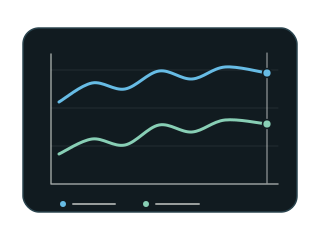
Graphs & time / IN DEPTH
Purpose, prerequisites and the evidence that belongs to the task.
A snapshot answers what a source reported at one moment. A graph can help a technician inspect how readings moved during the visit and how eligible channels relate over time. HVAI’s Pressure Graph and Map directions offer complementary ways to examine pressure context, while System View explains the physical process. The priority is a readable account of the evidence: labels, units, timestamps and circuit names matter more than decorative motion.
Keep the selected equipment and circuits explicit. Before comparing channels, review whether their sources, freshness and measurement context actually support the relationship being inspected.
A disconnected source creates a gap. It should not become an invented zero, a silently smoothed line or a copied value from another channel. Historical data must remain visibly historical.
An actual-versus-target comparison needs an applicable expectation. Equipment configuration, refrigerant, operating mode, ambient conditions and available inputs can change which interpretation is supportable.
Open a step to inspect what needs to stay clear.
Select the relevant equipment, circuit and channels. Read the labels and units before treating visual movement as evidence about the machine.
Use the graph to examine genuine changes and interruptions. Display refresh and instrument sampling are different rates; smooth screen motion does not establish a faster measurement cadence.
Before-and-after observations and recorded events can help explain what changed. The sequence should preserve its measured basis rather than imply that the app performed a technician’s action.
Inspect the applicable baseline and remaining limits. A deviation indication describes a comparison; it does not identify a specific fault or certify whole-system condition.
Graph interaction was demonstrated within a bounded test scope at the 2 October checkpoint. This does not establish universal physical-device acceptance, deployed durable measurement history or instrument accuracy. Broader baseline guidance and durable records remain in development.